

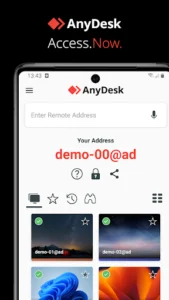
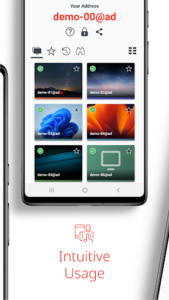

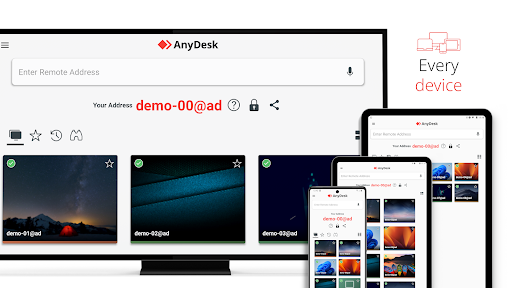
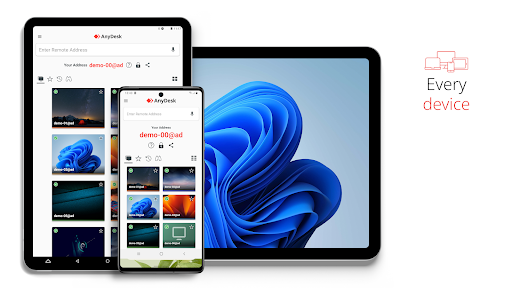
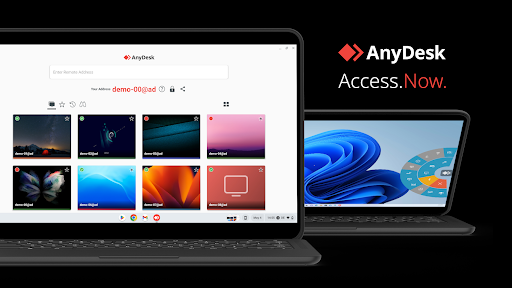
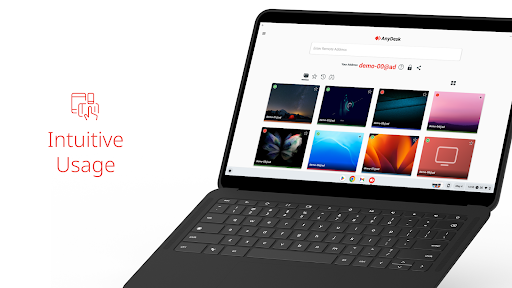
AnyDesk is a remote assistance app designed to facilitate connections between devices, whether they are in close proximity or across the globe. It allows users to control a remote device securely and seamlessly, making it suitable for tasks like IT support, working from home, or remote studying. A key capability includes establishing a private network between connecting and remote clients using its VPN feature, which enhances security for various operations like accessing a remote device over SSH or even playing LAN-multiplayer games over the internet. The app is ad-free and free for personal use.
Remote Device Control and Assistance
AnyDesk provides users with the ability to connect to and control remote devices from their location. This functionality supports a range of applications, from providing IT support to accessing a work computer from home or collaborating on projects as a student. The app emphasizes secure and seamless connections, ensuring that users can interact with distant systems effectively.
Key Remote Features
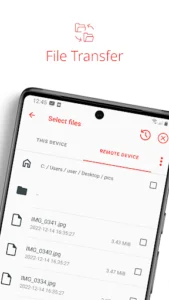
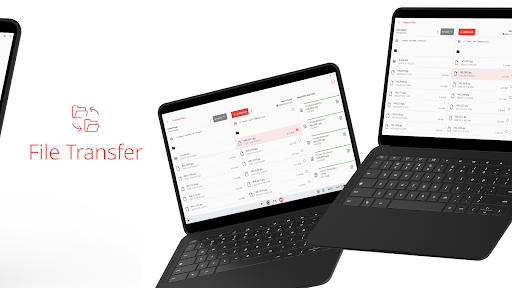
Beyond basic remote control, AnyDesk offers several integrated features to enhance productivity. Users can perform File Transfer to move documents and other data between their local and remote devices. Remote Printing allows for printing documents from the remote machine directly to a local printer. Additionally, the app supports Wake-On-LAN, enabling users to remotely power on a device that is in a low-power state, assuming the remote hardware supports it.
Secure Private Networking with VPN
A distinctive capability of AnyDesk is its built-in VPN feature, which establishes a private network connection between the local connecting client and the remote client. This is designed to provide additional security for specific tasks. For instance, after a successful VPN connection, users can access the remote device over SSH or even participate in LAN-Multiplayer Games over the internet. It is important to note that this VPN functionality does not permit access to other devices on the remote client’s local network, nor does it allow the remote client to access the local network of the connecting device.
Simplified Connection Workflow
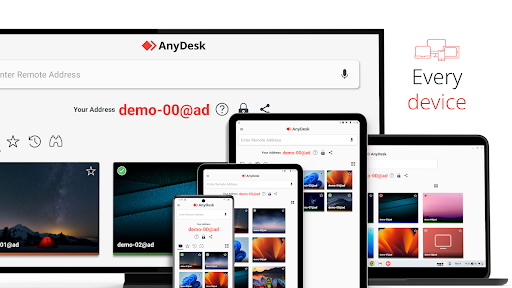
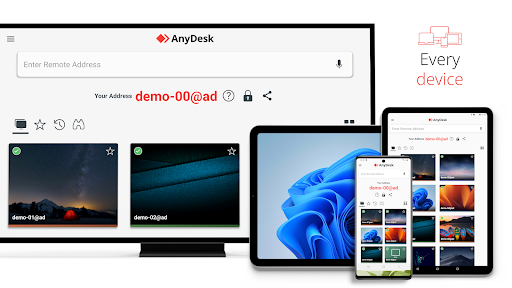
Connecting to a remote device using the app follows a straightforward four-step process. First, AnyDesk must be installed and launched on both the local and remote devices. Next, the user enters the unique AnyDesk-ID displayed on the remote device into their local app. The remote device’s user then confirms the access request. Once confirmed, the connection is established, and the user can begin controlling the remote device.
Broad Platform Support
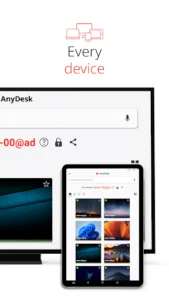
The app is designed to be highly versatile, supporting a wide array of operating systems and devices. This ensures that users can connect from virtually any platform to any other, whether they are accessing a desktop computer from a mobile device or connecting between two different operating systems. The architecture also supports both cloud-based and on-premises deployments, offering flexibility in how the service is utilized.






Write a review